
Arabic typography
Numerals
Choose whether the prices, phone numbers and dates in a text box use Western digits (0–9) or Arabic-Indic digits (٠–٩).
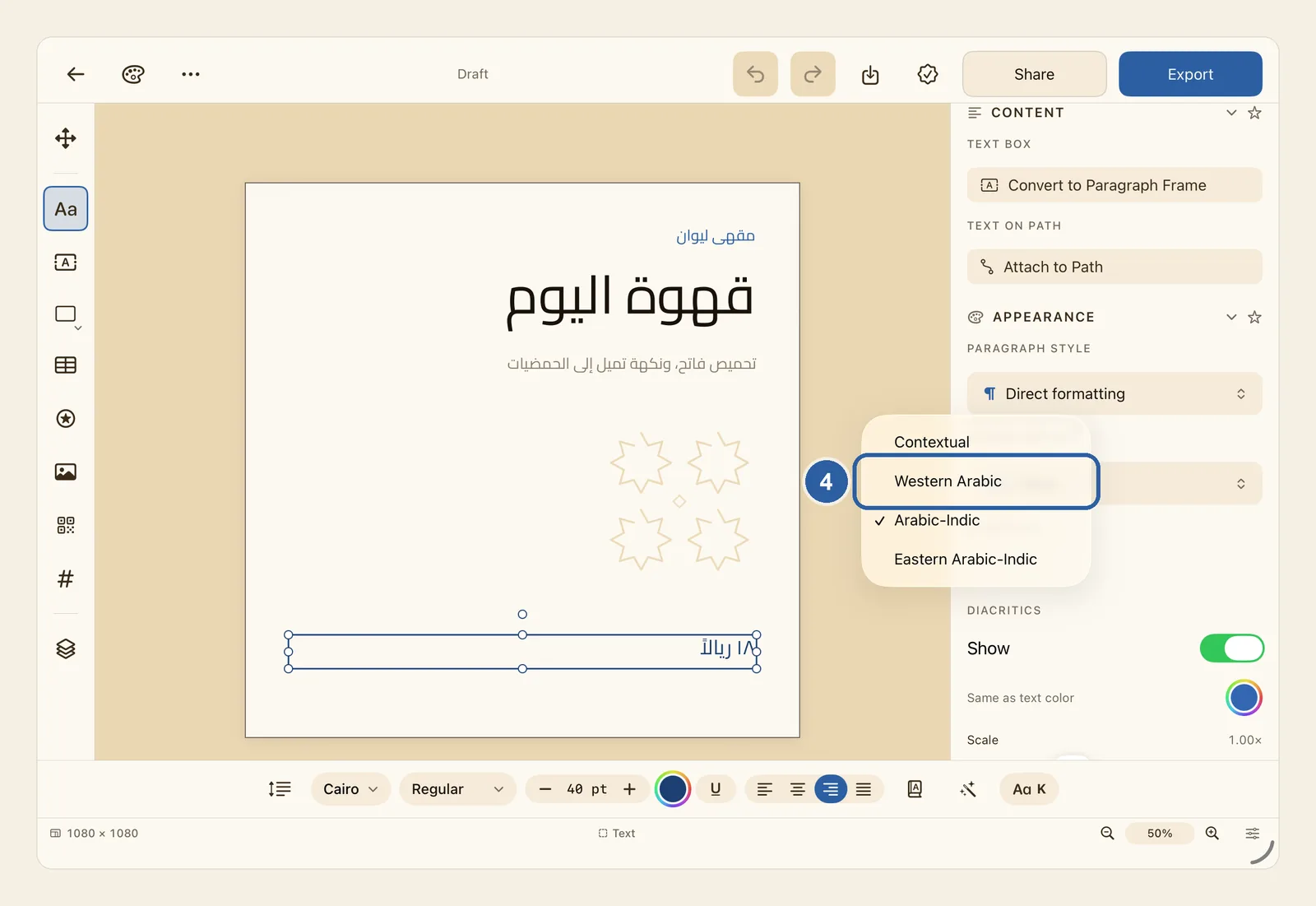
Numbers in Arabic text are written either with Western digits (0–9) or with Arabic-Indic digits (٠–٩). Each text box has a Numerals setting that decides which ones it shows, whichever keyboard you type the numbers on.
How to choose the style of numbers
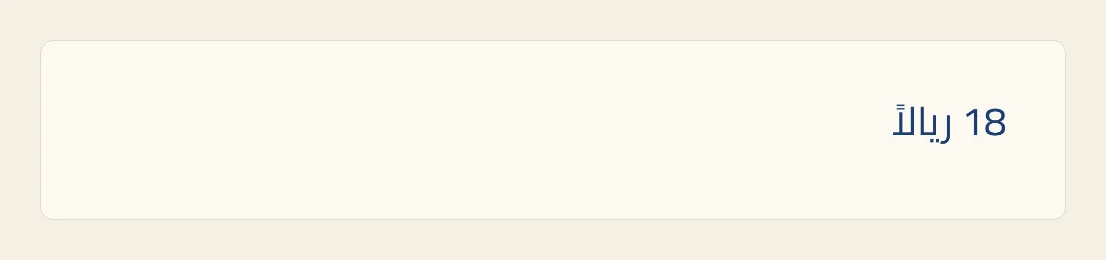
Tap the text box that holds the numbers, such as a price or a phone number. The picture shows the price on a café post, ١٨ ريالاً, written with Arabic-Indic digits.
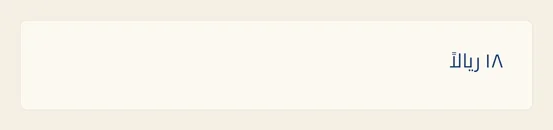
The setting applies to every number in the box, so you don't need to select the digits themselves.
Look at the panel beside the page. When you tap a text box, the panel opens at the Text tab; if it shows another tab, tap Text at its top. Scroll down to the Appearance section. If Appearance is folded away, tap its heading to open it.
Under Appearance, below Paragraph Style, find Numerals. The menu under it shows the style the box uses now: Arabic-Indic in our example. Tap it. A list opens with four choices: Contextual, Western Arabic, Arabic-Indic and Eastern Arabic-Indic.
Choose Western Arabic. The menu now reads Western Arabic, and the price on the page changes straight away: ١٨ becomes 18.
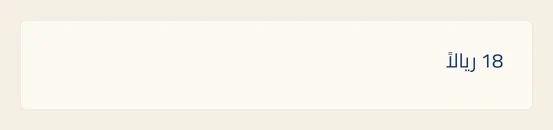
From now on, numbers you type or paste into the box take the same style, whichever keyboard you use.
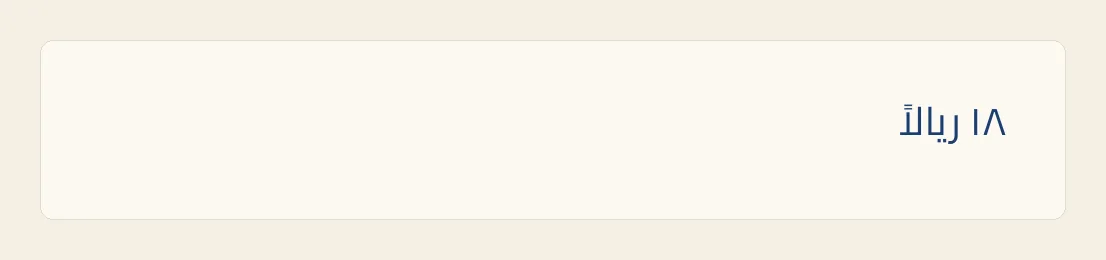
Tips
- What the four choices do:
- Contextual: each number takes the style of the nearest word before it — Arabic-Indic after an Arabic word, Western after an English word. A number with no word before it follows the first word after it. A new text box starts with this choice.
- Western Arabic: the digits 0–9, as in English, for every number in the box.
- Arabic-Indic: the digits ٠–٩ for every number in the box.
- Eastern Arabic-Indic: the digits ۰–۹ used for Persian and Urdu. The 4, 5 and 6 have other shapes: ۴ ۵ ۶ instead of ٤ ٥ ٦.
- With Contextual, a box that holds only a number, such as a price tag that says 18 on its own, has no word to follow, so it shows Western digits. Choose Arabic-Indic to show ١٨.
- The setting belongs to the whole box. To show one number in another style, such as a phone number in Western digits under prices in Arabic-Indic digits, put it in its own box.
- When you switch styles, every number keeps its value: 18 becomes ١٨ and back again, never another number.
- Text that came with a template keeps the digits the template used until you type in that box or change the style under Numerals.
- A page number in a text box follows the numbering style of its section as long as the box is on Contextual. Any other choice here takes priority. See Page Number.
- Text inside a shape has its own Numerals menu, under Content in the Shape tab, once the shape holds text. In a table, each cell has its own: while you type in a cell, look under Language in its Text tab. See Shapes and Tables.
- The Numerals group in the OpenType panel does something else: it changes the shape and width of the digits, for example so that prices line up in a column. See OpenType.
- You can undo the change. See Undo and redo.
- In Split View or a narrow window on iPad, the panel is hidden to leave room for the page. Tap Item (Box), the four-arrows button at the top of the tool rail, to open it, then tap Text at its top.
Why it matters for Arabic text
Why it matters
Arabic has two sets of digits in everyday use. Arabic-Indic digits (٠–٩) are the standard in Saudi and Egyptian print. Western digits (0–9) are also common in the Gulf, and in Morocco, Algeria and Tunisia. When the two sets mix in one design by accident, the design looks inconsistent. Because the choice belongs to each box, you can give the prices on a menu Arabic-Indic digits and the phone number Western ones, whatever keyboard you typed them on.
Whichever digits you choose, a number inside an Arabic line still reads from left to right, as it does in print: 18 is written ١٨.

