
Getting started
New design
Start a blank design at the right size for an Instagram post, a story, a flyer or a printed page.
There are two ways to start from a blank page. New design on Home asks you for a size first. The round + button skips that question and uses your default size.
How to start a new design
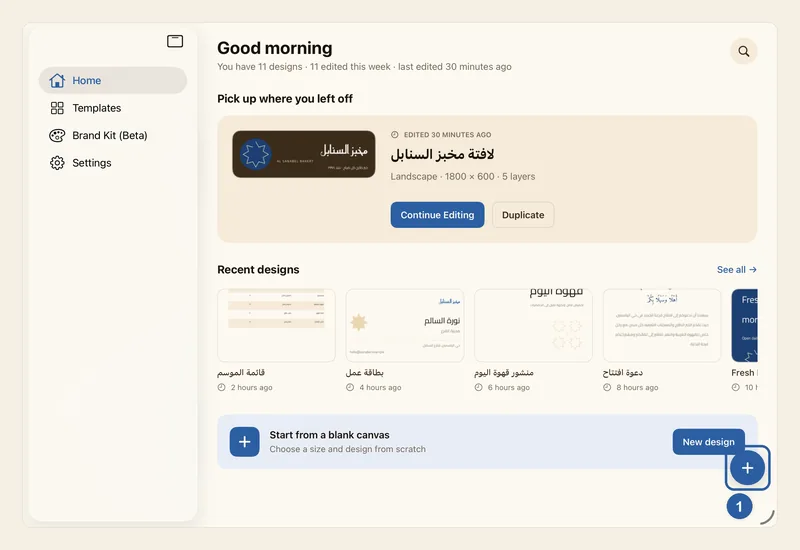
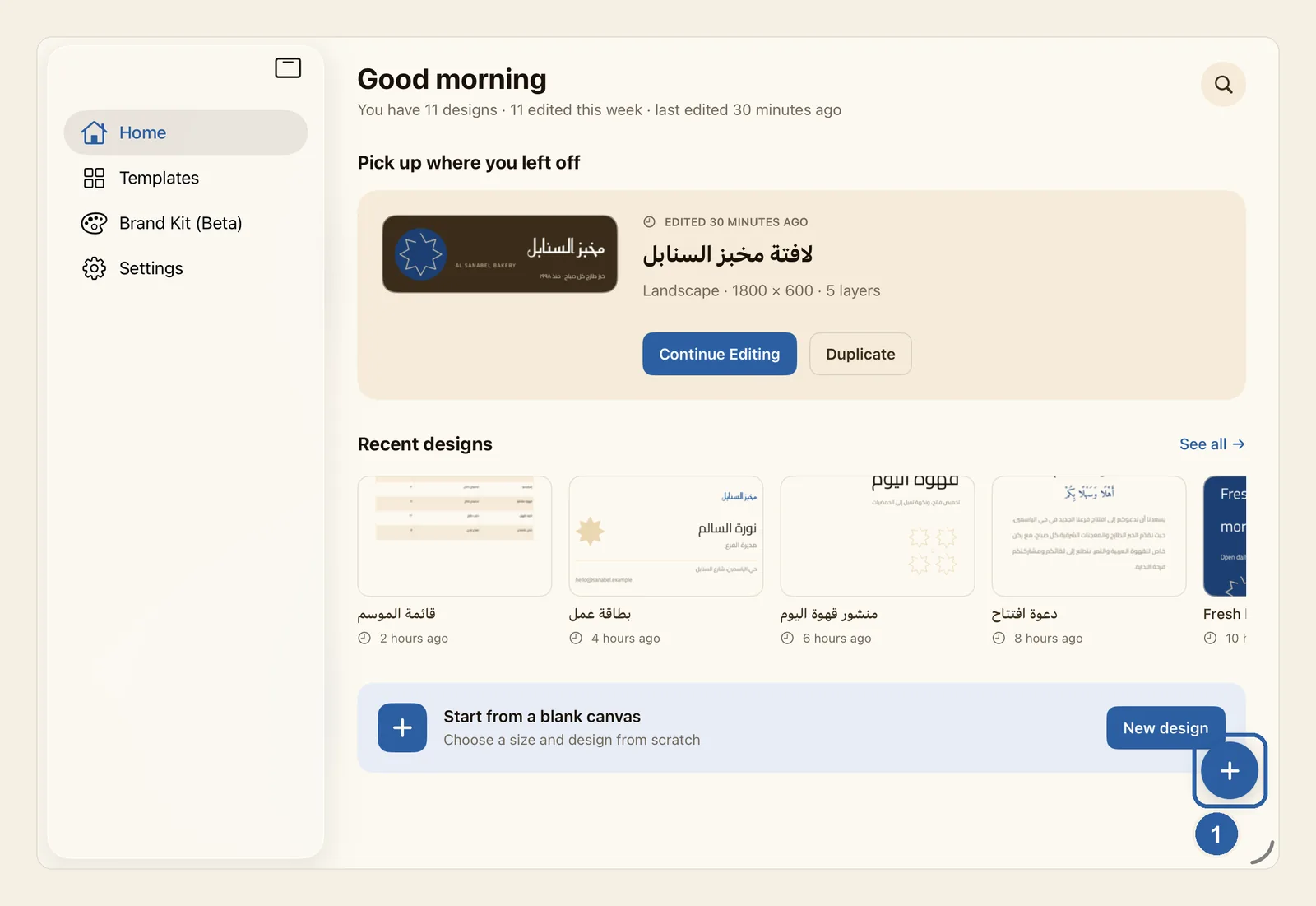
On Home, tap New design in the Start from a blank canvas banner near the bottom of the screen. If you have no designs yet, the same button also sits under Create your first design.
The round + button marked 1, in the bottom corner, is the quick way: one tap opens a blank design at your default size, without asking for a size. On a Mac, File ▸ New Design does the same.
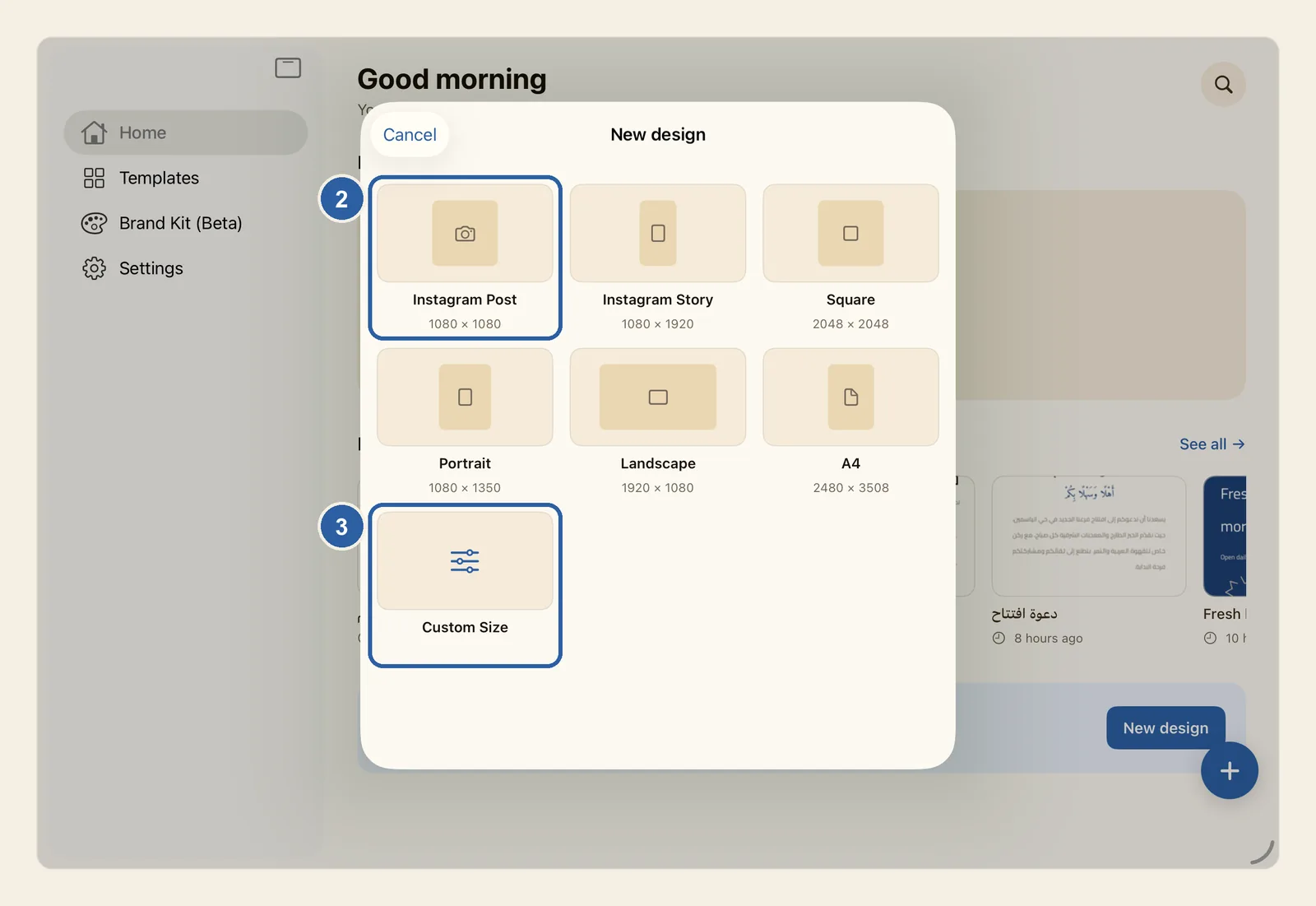
The New design sheet opens. Tap one of the ready sizes, such as Instagram Post, marked 2 in the picture. Each tile shows its size in pixels under its name:
- Instagram Post: 1080 × 1080
- Instagram Story: 1080 × 1920
- Square: 2048 × 2048
- Portrait: 1080 × 1350
- Landscape: 1920 × 1080
- A4: 2480 × 3508, an A4 sheet at 300 dots per inch, for print
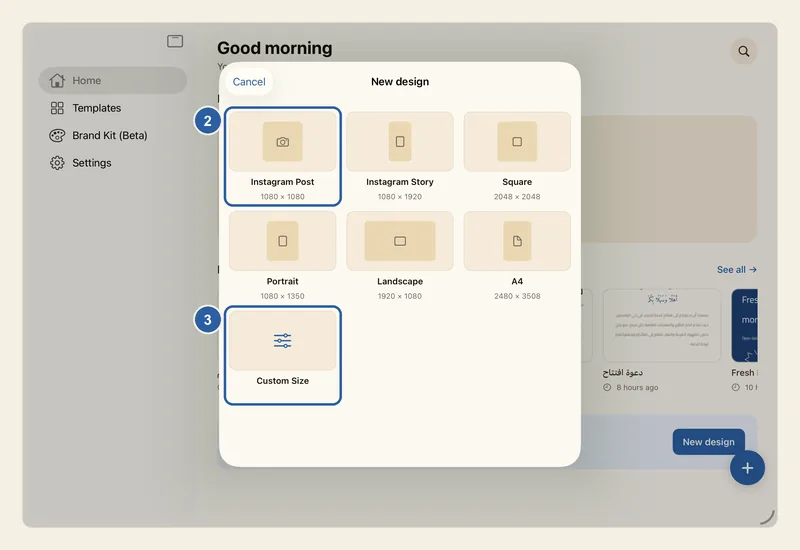
To type your own size instead, tap Custom Size, marked 3 in the picture above. Enter the Width and Height in pixels, then tap Create design.
Whichever size you choose, the sheet closes and the editor opens with a blank page at that size, ready for your first text or picture.
Tips
- Not sure which size to pick? Use A4 for printed menus and flyers, Portrait for a taller Instagram feed post, and Instagram Story for stories and status updates.
- After you tap Custom Size, both boxes start at 1080. Each side must be a whole number from 16 to 8192; Create design stays greyed out until both numbers fit.
- Tap Cancel to close the sheet without creating anything.
- The + button makes a 1080 × 1080 page until you change it. To pick a different size, open Settings and tap Default document size — see Settings. The size you choose in the New design sheet does not change this default.
- The + button floats over every tab, not only Home, so you can start a design from any of them.
- A new blank design appears on Home only after your first change. If you go back without touching it, nothing is kept. See How your work is saved.
- On a Mac, File ▸ New Design also works while another design is open: Liwan Studio saves that design first, then opens the new blank page.
- You can change the page size later in the editor — see Canvas size. To begin from a ready-made design instead, see Start from a template.
Keyboard shortcuts
- ⌘N New Design